CeraPHA Studio is a process hazard analysis workbench: HAZOP and HAZID worksheets, LOPA scenarios and SIL determination live in one auditable study file, so the safeguards you credit in a workshop are the ones you verify afterwards.
A PHA study produces hundreds of nodes, deviations, causes, consequences and safeguards, and the same safeguard is often credited in many places. CeraPHA Studio keeps every one of them as a linked object — change a safeguard once and every worksheet, LOPA scenario and SIF record that uses it updates.
The application follows the IEC 61511 front-end lifecycle: hazard identification, risk ranking against your matrix, layer-of-protection analysis with independent-protection-layer rules, and SIL determination that feeds the Safety Requirements Specification.
Guideword-driven worksheets with node definition on P&ID references, risk ranking and action capture — built for live facilitation.
One library of safeguards shared across nodes; IPL credit rules (independence, effectiveness, auditability) enforced in LOPA.
Initiating-event frequencies, enabling conditions, conditional modifiers and IPL PFDs with risk-gap calculation to the corporate target.
Risk-graph, risk-matrix or LOPA methods; SIF register with target SIL and required risk reduction.
Actions with owners, due dates, evidence and closure status; exportable action register.
Study reports, worksheets and registers to Word/Excel; revalidation mode compares the current study against the previous cycle.
Import node list and P&ID references; choose guidewords and risk matrix.
Record causes, consequences, safeguards and actions node by node.
Screen scenarios into LOPA; determine SIL for each safety instrumented function.
Issue the PHA report, SIF register, action register and SRS input.
Screens from the current build. Click any image to open it full size.
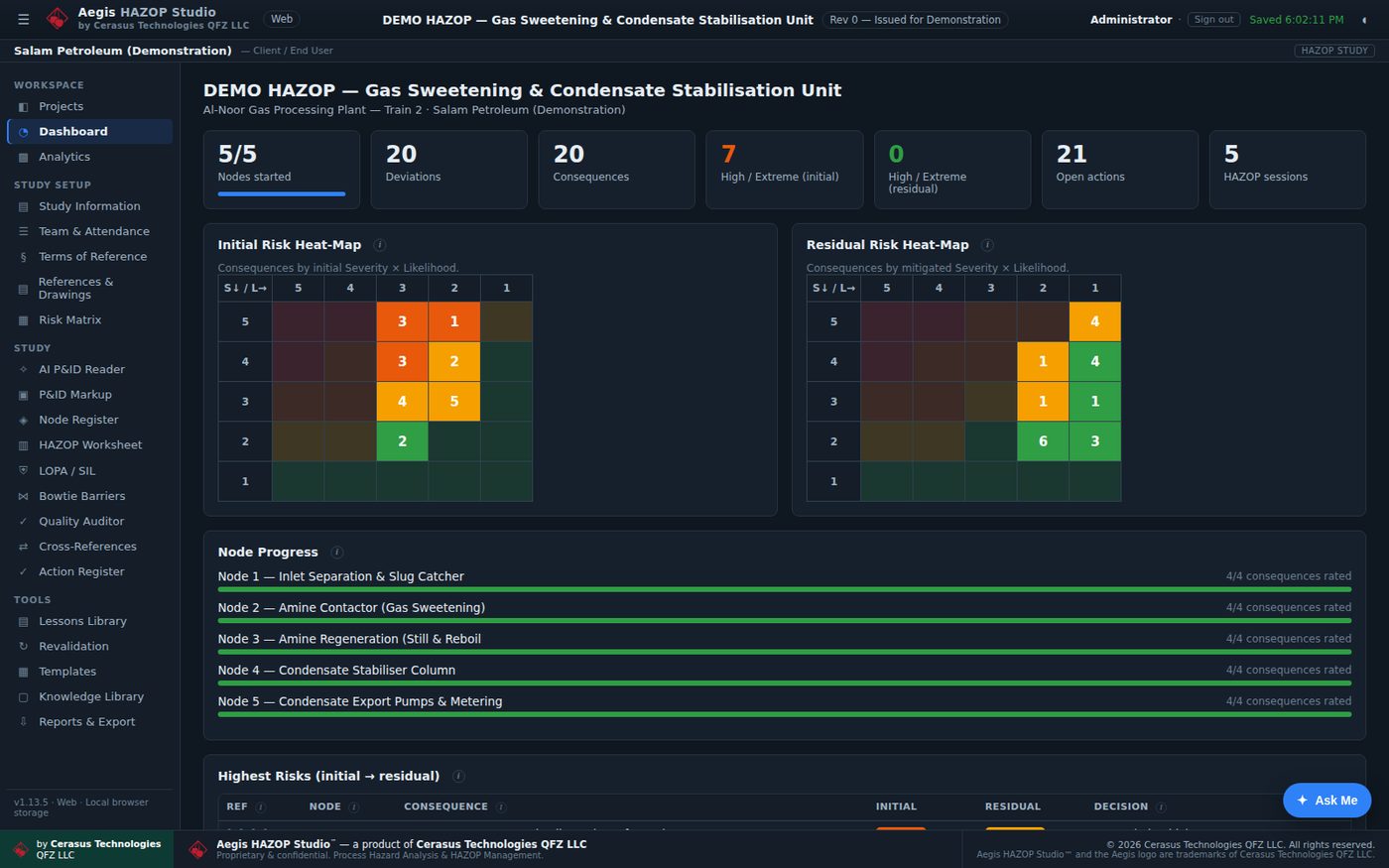
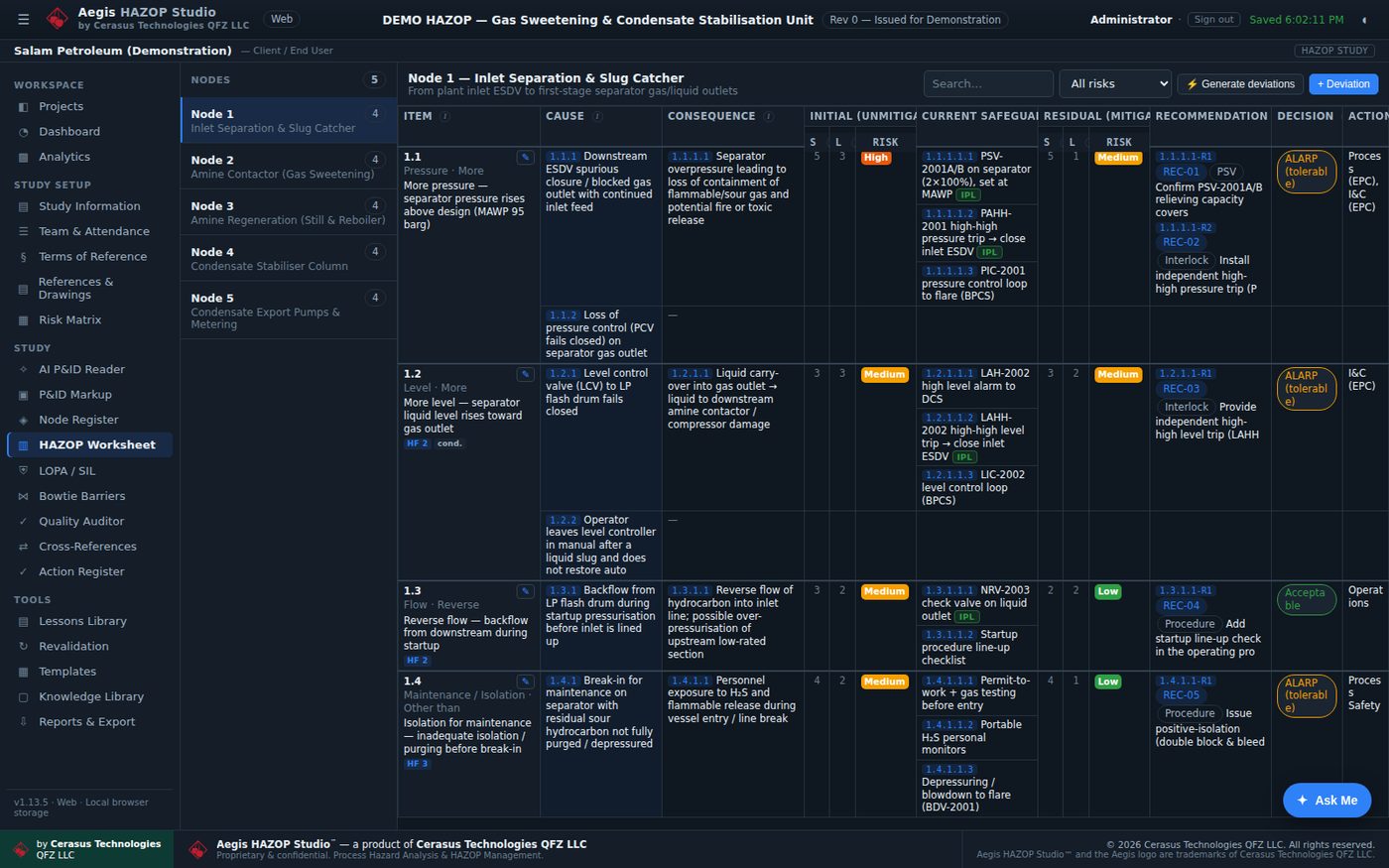
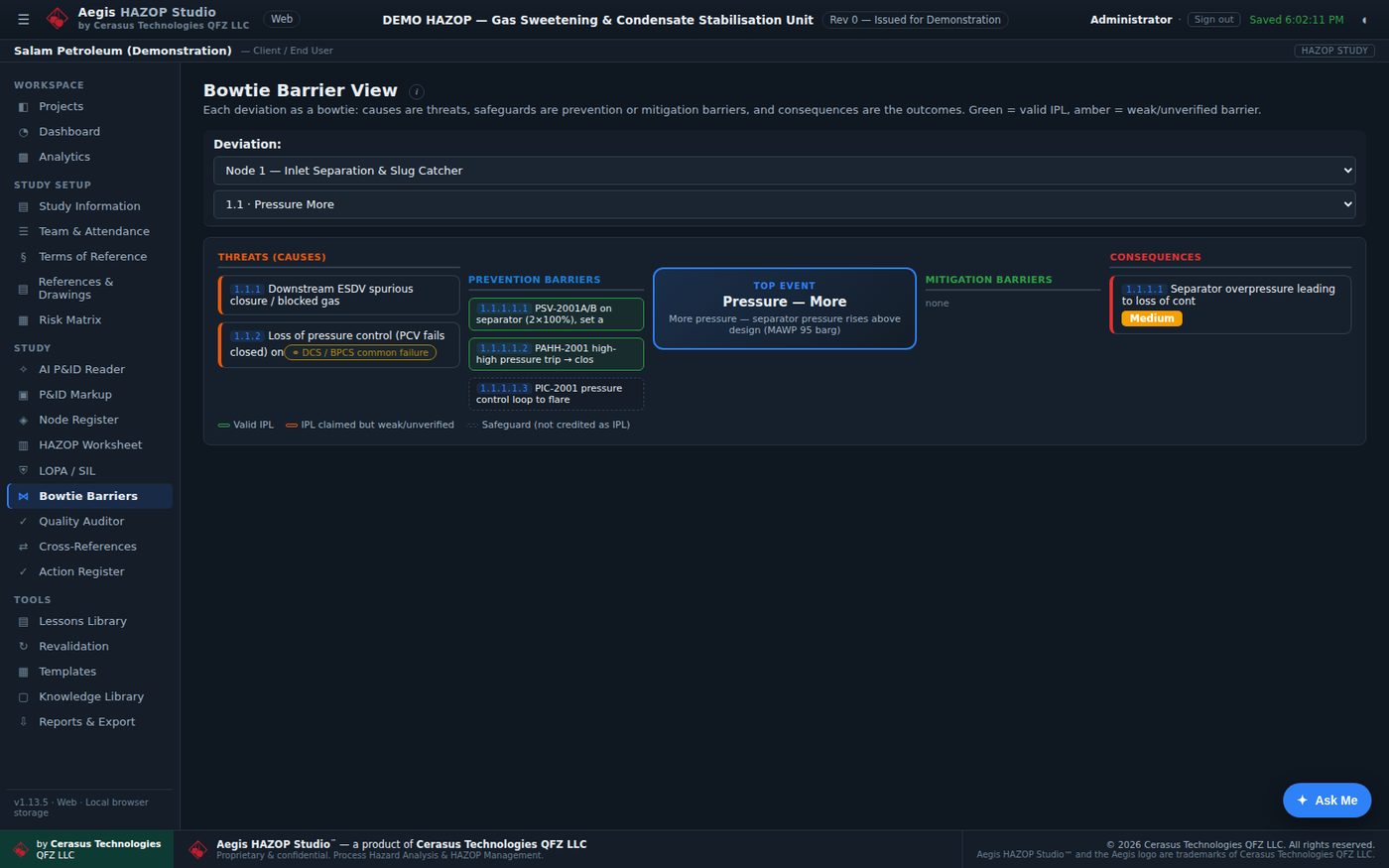
IEC 61882HAZOP application guideIEC 61511Functional safety — process industry sector (Clauses 8–10)IEC 61508Functional safety of E/E/PE safety-related systemsISA-84.00.01US adoption of IEC 61511CCPS LOPA & IPL GuidelinesLayer of protection analysis methodsOSHA 29 CFR 1910.119(e)Process hazard analysis and revalidationISO 31000Risk management principlesSend a short brief — plant, service of interest and what you need to achieve — and a Cerasus engineer will respond with a proposed scope and next steps.
Prefer email or phone? sales@cerasus.ai · +974 5506 2743